Sign In with a New Account
When you buy a TrialDirector 360 subscription, you invite other team members via email to use the feature sets in the subscription. The invitation email contains a link to TrialDirector 360 along with first time user log information to sign in.
If you are the one receiving the invitation, open the email and follow the steps below:
- Click the hyperlink in the email.
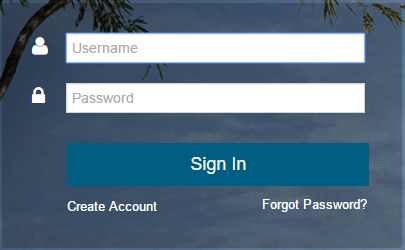
- Enter the log information and click Sign in.
- Follow the steps provided to activate the account.
The sign in page appears.

|
Note: For assistance with account maintenance and issues on professional subscriptions of TrialDirector 360, first contact the owner or admin of the subscription. The contact information for the subscription owner and admin can be found on the My Account page. |